Automation
Automation is about letting AI handle the repetitive, time-consuming tasks that eat away at your day. Instead of manually checking emails, updating spreadsheets, or generating reports, you can set up intelligent workflows that run automatically—giving you back hours each week to focus on what actually matters.
Ordify empowers you to automate your workflows in two powerful ways: through scheduling (time-based automation) and triggers (event-based automation). We'll cover how these work in detail in the guides below, but first, let's talk about what makes automation truly powerful—connecting to the tools you already use.
The Foundation: Connecting External Apps
Connecting your external apps is not just important—it's essential. Without these connections, your AI agents and automated workflows are limited to working in isolation. Once connected, Ordify can interact with your email, calendar, CRM, project management tools, and thousands of other applications, transforming isolated AI conversations into real-world productivity.
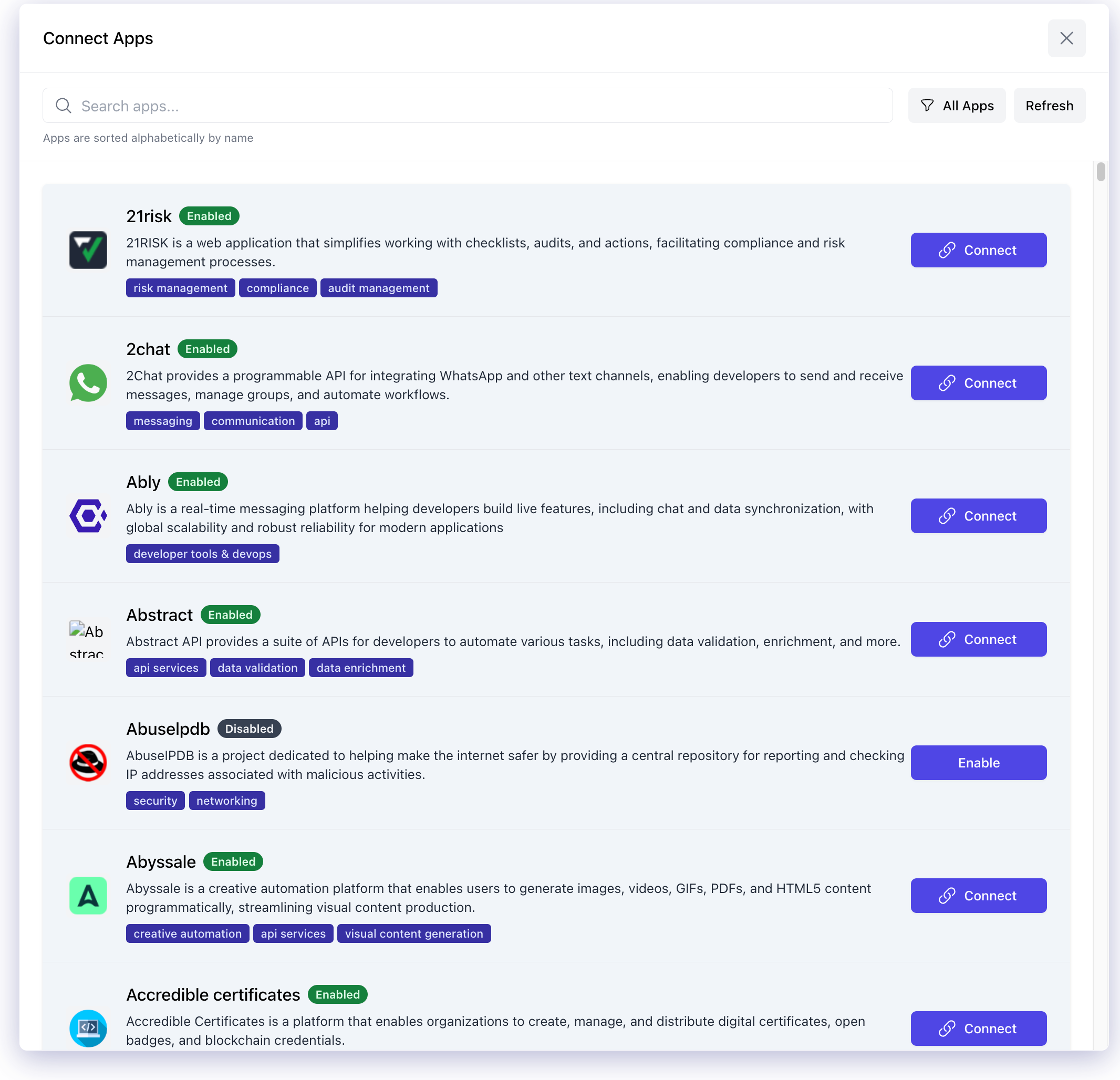
Here's why this matters: When you connect apps like Gmail, Google Calendar, Salesforce, or Slack, you're giving Ordify the ability to act on your behalf across your entire digital workspace. A scheduled job can check your calendar and send daily summaries. A trigger can process new emails as they arrive. The possibilities expand exponentially when your automation can access the tools you use every day.
Security and Trust: We understand that connecting apps means sharing your credentials and access permissions. That's why security isn't just a feature—it's built into our foundation. Ordify uses industry-standard OAuth protocols and partners only with vetted, trusted third-party integration providers. We follow the same security practices that enterprise companies rely on, so you can connect with confidence.
If you need step-by-step instructions on connecting external apps, you'll find detailed guides in the sections below.