Connect to your apps
Connect Ordify AI with your existing tools and workflows. There are two ways to connect applications in Ordify.
Connect Apps
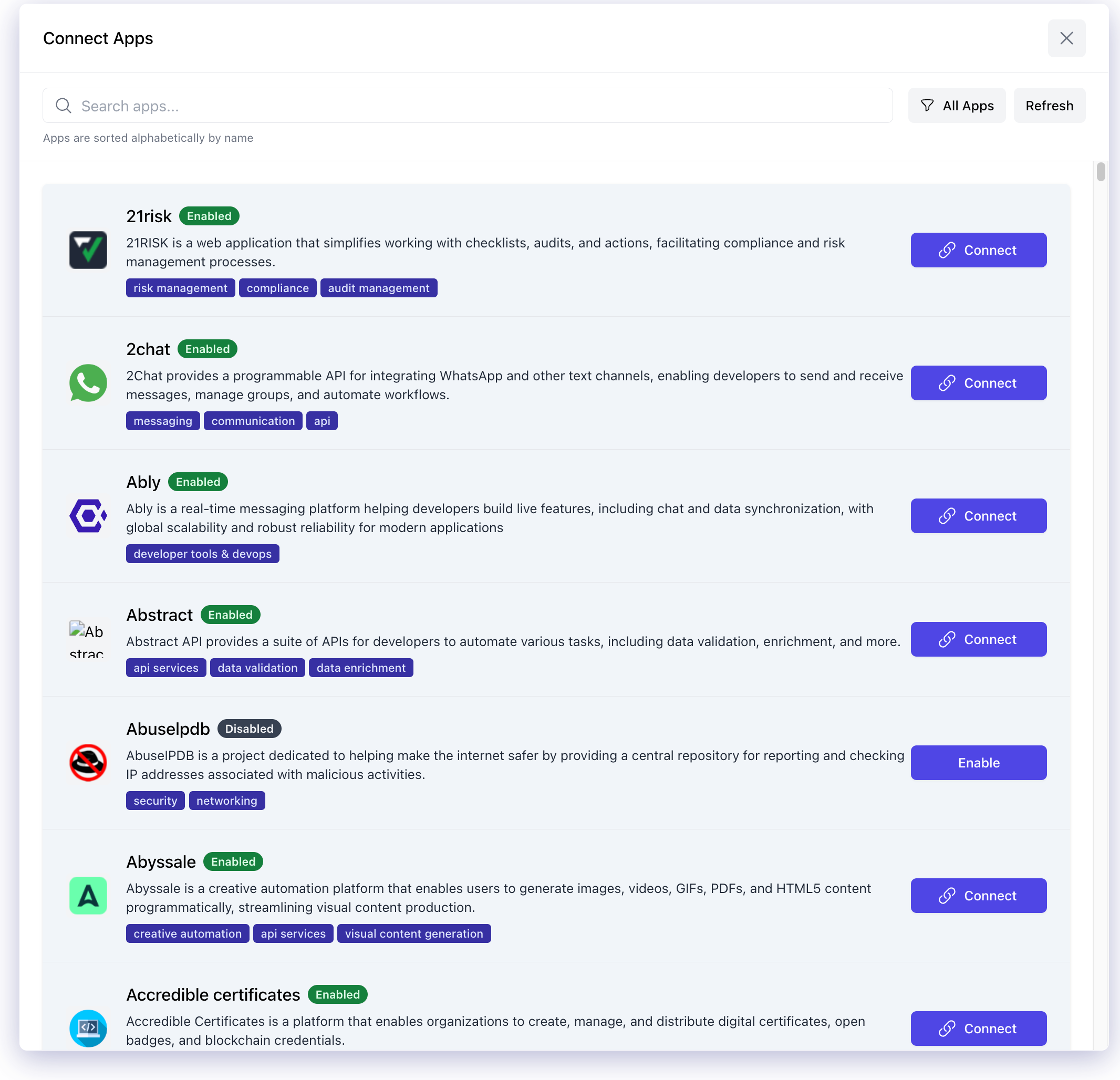
The simplest way to connect applications is through Connect Apps, where you can simply click to connect to over 3,000 applications. Once connected, your agents can be assigned and learn to use the applications through your login credentials.
How it works
- Browse Applications: Search and browse through 3,000+ available applications in the Connect Apps interface
- Click Connect: Simply click the "Connect" button for any application you want to use
- Authenticate: Complete the authentication flow to grant Ordify access to the application
- Assign to Agents: Once connected, you can assign these applications to your agents
- Agents Learn: Your agents will automatically learn to use the connected applications through your login credentials
This method is perfect for quickly connecting popular services like Slack, Google Workspace, Microsoft 365, and thousands of other applications without any technical setup.
MCP Server
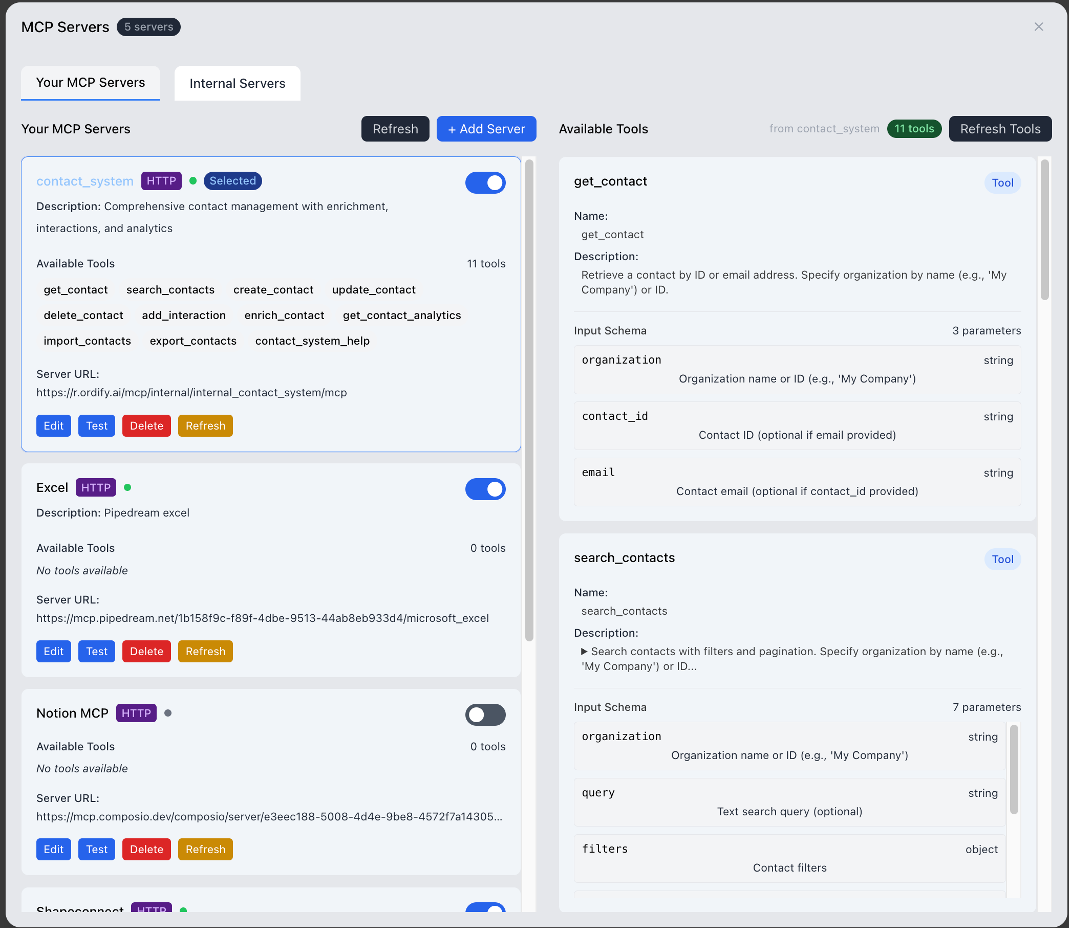
For more advanced use cases or custom integrations, you can set up your own MCP (Model Context Protocol) Server and allow your agents to access them.
How it works
- Set Up MCP Server: Configure your own MCP server with custom tools and capabilities
- Add Server: Add your MCP server to Ordify using the server URL
- Expose Tools: Define the tools and functions your MCP server provides
- Assign to Agents: Make these tools available to your agents
- Agents Access: Your agents can then access and use the tools exposed by your MCP server
This method gives you complete control over the integration, allowing you to:
- Connect to internal APIs and systems
- Create custom tools specific to your business needs
- Maintain full control over authentication and security
- Build integrations that aren't available in the Connect Apps marketplace
When to use each method
- Use Connect Apps when: You want to quickly connect to popular third-party services (Slack, Google, Microsoft, etc.) without any technical setup
- Use MCP Server when: You need to connect to custom/internal systems, want full control over the integration, or need capabilities not available in Connect Apps
Additional Integration Methods
Slack Integration
Integrate Ordify directly into your Slack workspace for team collaboration. See Slack Integration for details.
Discord Integration
Bring Ordify AI directly into your Discord server conversations. See Discord Integration for details.
Chatbot Integration
Embed Ordify agents into your website or application using our chat widget. See Chatbot Integration for complete documentation.
API Management
Create custom applications with your Ordify agents using the Ordify API. Generate API keys, test endpoints with interactive documentation, and build integrations. See API Management for details.